
Terrible Lizards update 1.0.15 fixes subtitle crashes, respawn saves and a level 4 fall-through. Here are the full patch notes and what 1.0.9 changed.
Terrible Lizards Update: 1.0.15 Patch Notes and Fixes
The latest Terrible Lizards update is version 1.0.15, released on November 1, 2026. It is a small stability patch: five fixes covering a subtitle UI crash, level 2 loading, projectors that did not recognise a finished video, respawn locations that were not saved, and a spot in level 4 where Jordan could fall through the floor while sliding.
The previous patch, 1.0.9, arrived on October 30, one day after launch, and was the bigger emergency fix. It dealt with the title screen sticking into gameplay, Stella calls locking buttons, instant deaths on slides, controller sprint lockouts and two broken hunt sequences. This page collects both patches, explains which chapters they affect and what to do if your build has not updated.
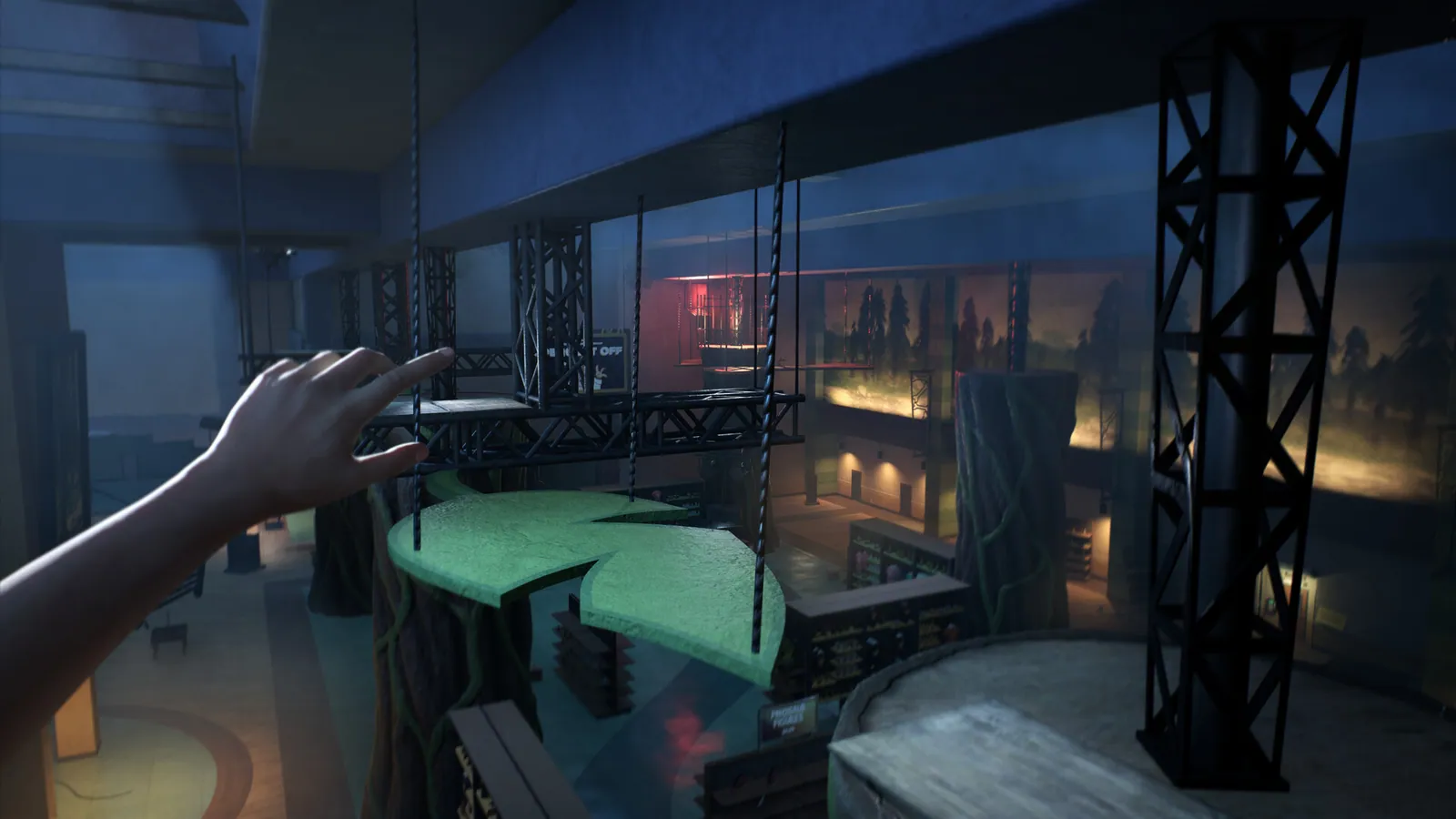
Official source: Patch Version 1.0.15 on Steam — the changelog quoted below.
Terrible Lizards patch history at a glance
| Version | Date | Size of the patch | Main targets |
|---|---|---|---|
| 1.0.15 | November 1, 2026 | Small stability patch | Subtitle crash, level 2 loads, projectors, respawn saves, level 4 slide |
| 1.0.9 | October 30, 2026 | Launch-window bug fix | Title screen softlock, Stella calls, slides, controller sprint, Bronto and Allo hunts |
There is no 1.0.10 through 1.0.14 release note on the Steam news feed. That does not mean those builds never existed internally; it means the public changelog jumps from 1.0.9 to 1.0.15. If a video or forum post mentions another number, check the official news feed before treating it as a real patch.
What changed in 1.0.15
The November 1 patch is short enough to quote in full. The official changelog lists:
- A crash caused by the subtitle UI was identified and fixed.
- Safety level load calls were added to make sure the right levels load throughout level 2.
- Projectors now recognise when their video has finished.
- The player's respawn location can now be saved.
- A spot in level 4 where players could fall through the ground while sliding was fixed.
The subtitle crash is the most important item for anyone who plays with subtitles on. A UI crash can take the whole session down, and because it happens during dialogue, it can look like a story trigger rather than a bug. If the game closed on you during a cutscene before this patch, update before you replay the chapter.
The level 2 load fix is the one that matters for long sessions. Terrible Lizards streams between the museum, the dig sites and the caverns, and a missed safety load can leave a door or trigger in the wrong state. The Chapter 2 walkthrough covers the intended route if you are replaying it.
The projector fix affects the museum's video exhibits. Before 1.0.15, a projector could fail to register that its clip had ended, which blocked the next interaction. The fix is invisible when it works, which is the point.
The respawn fix is the quiet quality-of-life change. If you quit after a checkpoint and came back to the wrong spot, 1.0.15 is the patch that addresses it. It does not add a manual save system; the game still checkpoints on its own.
The level 4 slide fix is narrow but nasty. There is a specific stretch where the slide animation could push Jordan through the floor. The Chapter 4 walkthrough marks the slide sections so you know which one the note refers to.
What changed in 1.0.9
The October 30 patch was the launch rescue. Its changelog covers eight fixes:
- The title screen could stick and persist into gameplay, effectively soft-locking progression.
- Some calls with Stella could lock different buttons and break progression.
- Players could die immediately when entering a slide.
- Controllers could get locked out of sprinting.
- An invisible collider could remain after boulders fell in the second Bronto hunt.
- Players could move during a particular slide cutscene and fly off a cliff.
- Not all four fuses would work in the second Allosaurus hunt.
- Several levels could fail to load or unload properly.
The title screen softlock is the reason 1.0.9 exists. If you launched on day one and found yourself staring at the menu while the game was already running underneath it, the patch is the fix. The Stella call bug is similar: a dialogue state could leave buttons disabled after the call ended, which made the next room look broken.
The slide fixes are worth separating. One bug killed you on entry; another let you move during a cutscene and throw Jordan off the cliff. They are different failures with the same root area, and both are listed separately in the official notes.
The second Bronto hunt and second Allo hunt fixes are the ones that affect completion. An invisible collider after the boulder fall can block the route, and a fuse that does not count can stop the encounter from advancing. If you bounced off the second hunt before this patch, try it again on 1.0.15.
Which chapters are affected?
| Chapter | Patch | What to watch for |
|---|---|---|
| Chapter 1 | 1.0.9 | Title screen softlock, Stella call buttons |
| Chapter 2 | 1.0.15 | Level 2 safety loads, projector exhibits |
| Chapter 3 | 1.0.9 | Second Bronto hunt collider, second Allo hunt fuses |
| Chapter 4 | 1.0.15 | Slide fall-through, respawn location |
| All chapters | 1.0.15 | Subtitle UI crash |
The chapter numbers in the changelog are the game's internal level numbers, not always the chapter labels on the guide pages. Level 2 in the notes corresponds to the dig-site chapter; level 4 is the Deep. The full walkthrough uses the chapter names most players recognise.
How to check your version
On Steam, open the game's library page, click the gear icon, then Properties → Updates. The installed build is listed there. The Steam news feed is the authoritative source for the public version number; the in-game menu does not always show a build string.
On console, the patch number may differ from the Steam build even when the fixes are the same. Sony and Microsoft certification can delay a console update, and the developers have not published a separate console patch schedule. If your PS5 or Xbox build is behind, the official notes are still the best description of what is coming.
The 1.0.15 post ends with "stay tuned" and a promise to work on the next patch. It does not give a date or a feature list. Treat any date you see on social media as unconfirmed.
Update not showing up?
If Steam still shows 1.0.9 or an older build, try these steps in order:
- Fully close the game and Steam, then reopen Steam.
- Open the game's Properties → Installed Files and verify the integrity of the game files.
- Check the download queue. A paused or queued update will not install while the game is running.
- Switch to a different Steam download region if the update is available elsewhere but not in your region.
- Restart your PC or console after the download completes.
On Xbox, the update may be delivered through the console's manage game menu rather than the store page. On PS5, use Check for Update from the game's options menu. If the patch still does not appear, the official Steam news post is the place to confirm the version number before you troubleshoot further.
What the patches do not change
Neither patch adds new content, a photo mode, a chapter select overhaul or a difficulty option. They are fixes, not a content update. The game still has one main ending, the same four chapters and the same New Game Plus modifiers. If you are looking for the modifier rules, the New Game Plus page covers them; if you are looking for achievement cleanup, the achievements page lists the missable-looking ones that are actually safe to replay.
The patches also do not fix every reported issue. The developers say they are still working through feedback, and the 1.0.15 post asks players to report problems in the Discord. That is the correct channel for a bug that is not in the changelog: a report with the chapter, the platform and the exact moment is more useful than a comment on a news post.
FAQ
What is the latest Terrible Lizards version? 1.0.15, released November 1, 2026.
What does 1.0.15 fix? A subtitle UI crash, level 2 safety loads, projectors not recognising finished videos, respawn locations not saving, and a level 4 slide fall-through.
What did 1.0.9 fix? The title screen softlock, Stella call button locks, slide deaths, controller sprint lockouts, two hunt bugs and level load/unload issues.
Is there a patch after 1.0.15? Not at the time of writing. The developers say another patch is coming but have not dated it.
Do I need to start a new save? The notes do not say a new save is required. If a softlock already corrupted your checkpoint, reload an earlier chapter instead.
Are the console patches the same? The fixes are the same in the notes, but the build numbers and release times can differ on PS5 and Xbox.
Where are the official patch notes? On the Steam news feed for app 2920220. The two posts are linked in the Sources section below.
The short version: update to 1.0.15, replay the chapter that broke, and do not expect new content. The patch is a repair job, and the game is better for it. If you are still stuck after updating, the walkthrough is the next place to look.
What to read next
- Terrible Lizards Walkthrough — the full four-chapter route.
- Chapter 4 Walkthrough — the slide and the final ascent.
- Terrible Lizards Achievements — what to clean up after the patch.
- Terrible Lizards New Game Plus — the modifiers the patches did not touch.
Sources
Official source: Steam news for Terrible Lizards — both changelogs are published there.
More Terrible Lizards Guides
Chapter 3 of Terrible Lizards: the flooded electrical rooms, all four fuse circuits, Allosaurus arena hunts and the black biomass, explained.
Chapter 4 of Terrible Lizards: the Crew Lift key in Cavern B, the final Dennis chase, the moving-structure climb and how to reach the ending.
Every major character in Terrible Lizards: Jordan, Stella, Dalton, Elena, DJ and Dr. Fellows, plus the four Paleo Pals mascots and their species.
Every collectible set in Terrible Lizards: 16 amber samples, audio tapes, notes, stuffed animals and the Chapter 2 note that most players miss.
The Terrible Lizards demo has two parts: a story section and a gameplay section. What it covers, where to get it and what carries over.
Who is Dennis in Terrible Lizards? The mascot suit, the entity under Dalton's Dinos, DJ's imaginary friend and the evidence behind the main theory.
What happens at the end of Terrible Lizards: DJ, Dennis, the Crew Lift, Stella's car and the questions the game leaves open. Full spoilers.
How long Terrible Lizards takes: 6 to 10 hours for the story, 10 to 12 for completion, chapter-by-chapter estimates and what makes runs longer.